Introduction
OZconverter is a tool designed to transform standard map files (KMZ, KML, and GPX) into XLS and CSV tables. These tables can be easily edited and manipulated in spreadsheet editors, and they also provide a format that simplifies importing this data into other tools.
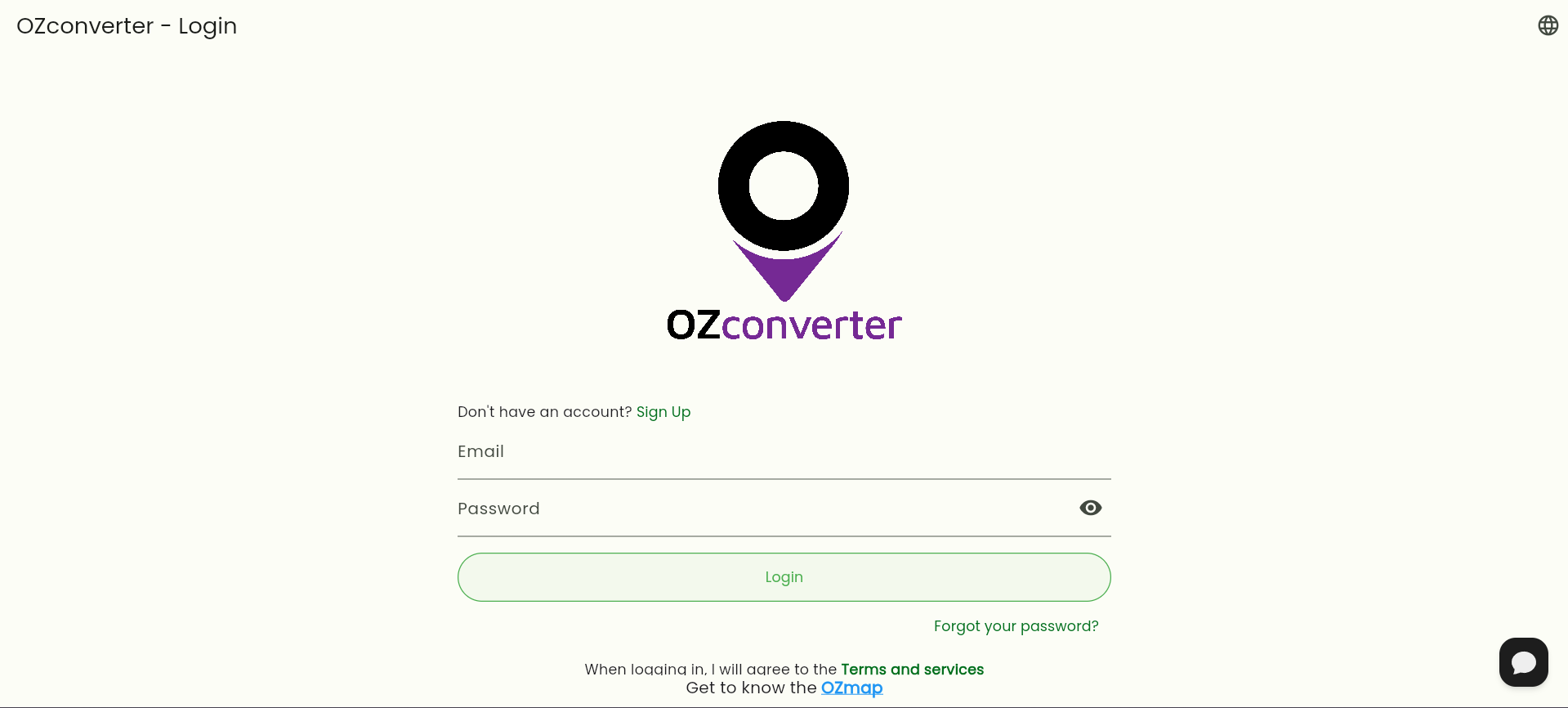
Accessing OZconverter
To access OZconverter, you can:
Log in with your Google or Facebook account.
Create a new account using your email (by clicking “Sign up”).
Important: OZconverter credentials are not the same as OZmap credentials, and you do not need an OZmap account to use OZconverter. You can register with any email; using a corporate email is not required.
Main Features
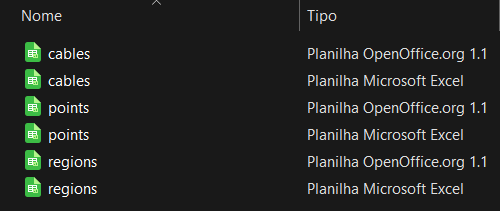
When converting your KMZ, OZconverter generates six files (three CSV and three XLS) containing data related to:
Cables: Represent items such as network cables or paths, for example.
Points: Represent telecom splice boxes, client service boxes, poles, properties, or any other object that can be represented as a point.
Regions: Represent documented polygons, such as areas, gated communities, neighborhoods, zones, and so on.
Handling Additional Data
If you are using Excel to work with your spreadsheets, you must make all changes in the XLS tables and then save them as CSV before importing them into OZmap. For more information on how to open or save CSV files in Excel, click here.
It is essential to format the spreadsheets according to the type of element being imported. For more details about formatting and the mandatory columns for each element, refer to the “Spreadsheet Management” documentation.
Limitations and Recommendations
File Size: It is recommended that KML files have a maximum size of 2 MB to ensure proper conversion. KMZ files are compressed KML files, so in these cases, the size that matters is the actual size of the KML file inside them. KML files may contain images, and their size should not be counted toward the 2 MB limit.
To reduce the size of KML files, you can use Google Earth to split a large file into several smaller ones and then use these smaller files when converting the KMZ in OZconverter.
It is also important to understand that KML files can be generated by different applications, and this generation may include errors or unknown patterns. Always try to use files generated by Google Earth.
Some KML files may reference external files stored in the cloud, and these cannot be processed by OZconverter.
Tip: You can use a solution like ChatGPT and ask it to split the file you want to convert into smaller files. For example: “Split this file into valid parts that do not exceed 2 MB each and bundle everything into a .zip file for me to download”.
Common Troubleshooting
Conversion Errors
OZconverter loading for too long without responding: Large files may take some time to convert. However, if the waiting time is too long (more than 2 minutes), it is possible that a software error has occurred. This can happen because not all KMZ files are generated the same way, and some details may still be unknown to OZconverter. In this case, please contact support and send the file that failed so the team can analyze it.
Error converting KML/KMZ files: This may be a known bug. The support team can perform a manual conversion while a permanent fix is not yet released. Send the files to the support team.
Generated CSV file contains no data: Check whether the original KMZ file contains the elements you expect. If it only contains points, the CSV will reflect that.
Access and Certificate Issues
Invalid/expired certificate warning: Work around the issue by clicking “Advanced” and then selecting “Proceed to ozconverter.ozmap”. Report the situation to the responsible team so the certificates can be updated.
OZconverter is down: Report the issue to support so it can be resolved.
Support and Additional Resources
Support: available through the support chat on our help pages. Click the speech-bubble icon located in the bottom-right corner of the screen.
More help on spreadsheet management: Spreadsheet management.
More help on how to import data into OZmap: Click here.